Before You Organize the Outline
Start by deciding what the book is supposed to do for the reader. A memoir, devotional, teaching book, ministry resource, leadership book, and personal testimony all need different structures.
A practical target is 8 to 14 chapters for most nonfiction books. Fewer than 6 chapters can feel thin unless the book is intentionally short. More than 18 chapters can work, but only if each chapter has a distinct job.
If you are still at the early outlining stage, read How to Outline a Book first. If you are organizing fiction, How to Outline a Novel will fit better.
1. Start a Project With the Right Book Context
In Concepts of a Book, create a new project and enter the title, author name, book type, source notes, and editing preferences. These details help the system understand what kind of manuscript structure it should look for in your existing material.
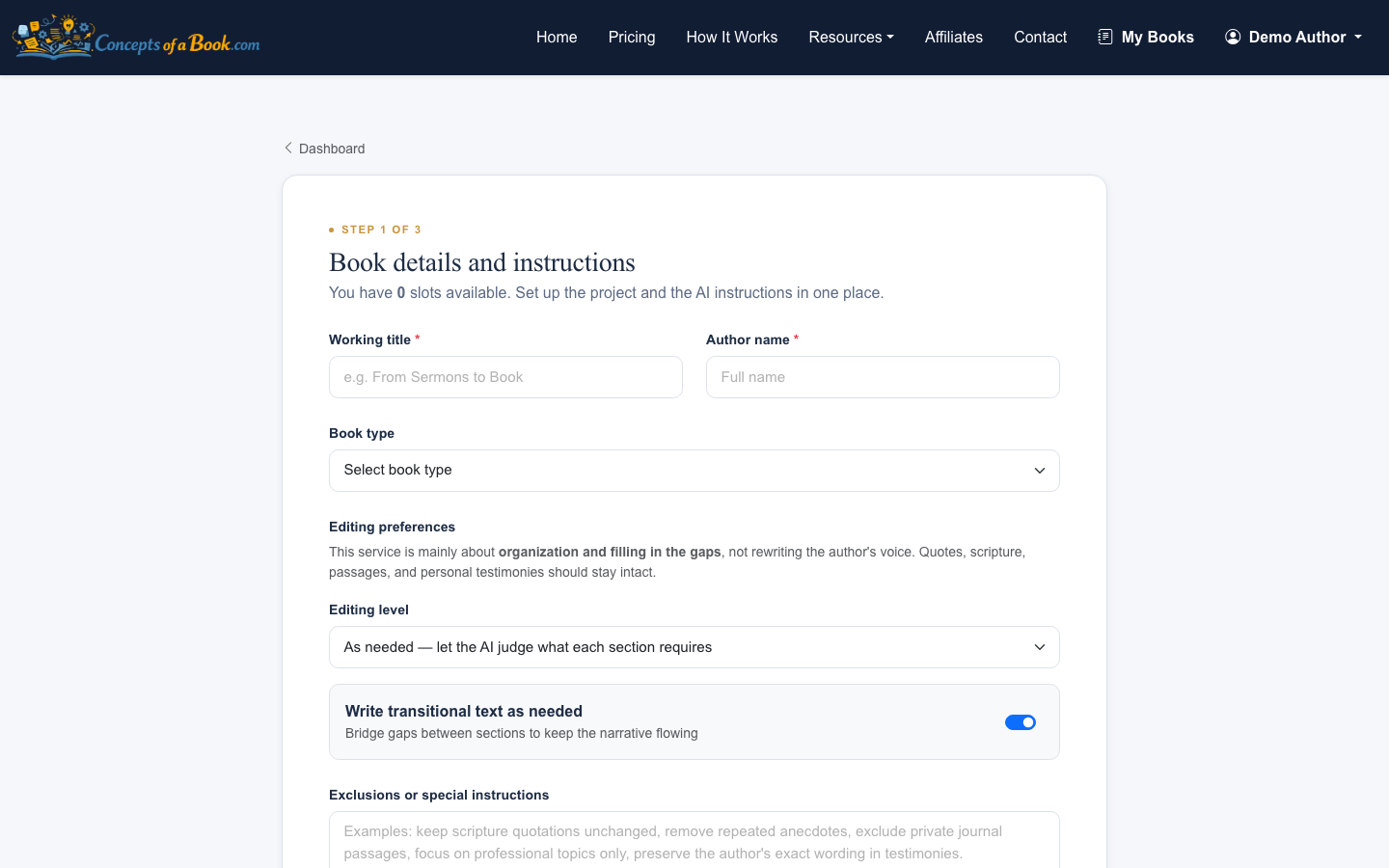
Be specific in the source notes. Instead of writing “sermons and notes,” write something like “Sunday sermon transcripts from a 12-week series on forgiveness, plus journal reflections and two conference talks.” That gives the outline process a stronger starting point.
2. Upload the Source Material You Actually Want Used
A strong outline depends on good source boundaries. Concepts of a Book can ingest DOCX, PDF, TXT, MD, RTF, and DOC files up to 50 MB, but more material is not always better.
Include writing that belongs in the book’s likely scope:
- Sermons or talks from the same theme or season
- Journal entries that support the central message
- Essays, blog posts, or teaching notes with reusable substance
- Transcripts that contain stories, frameworks, or explanations
Leave out material that is merely adjacent. If a file would require the book to change topics completely, save it for another project.
3. Let the Pipeline Build the First Outline
After the files are uploaded, the pipeline extracts text, identifies major themes, and assembles an initial outline. The project page shows the current processing status so you can see where the book is in the workflow.

This first outline is not the final editorial judgment. Treat it as a structured reading of your existing material: what themes repeat, which ideas naturally cluster, and where chapter breaks might make sense.
4. Review the Chapter Order for Reader Progression
Open the outline page and scan the full chapter list before editing individual chapter details. You are looking for movement. A good book structure usually progresses through one of these patterns:
- Problem to solution
- Past to present
- Foundation to application
- Question to answer
- Story to lesson
- Principle to practice
Ask whether chapter 3 could only make sense after chapters 1 and 2. If the answer is no, the order may still be too loose. Rearranging chapters around reader progression is one of the fastest ways to strengthen a manuscript.
5. Check Each Chapter’s Job
Next, inspect the chapter-by-chapter breakdown. Each chapter should have one main job. If a chapter is doing three unrelated things, split it. If two chapters are doing the same job, combine them or make the distinction sharper.
A simple test is to write a working promise for each chapter:
- “This chapter explains why the problem matters.”
- “This chapter tells the origin story.”
- “This chapter gives the reader a practical framework.”
- “This chapter applies the idea to family, work, or ministry.”
If you cannot summarize the chapter’s job in one sentence, the structure probably needs more work.
For deeper chapter-level shaping, see How to Outline a Book Chapter.
6. Develop the Book Structure Outline Around Repetition and Gaps
When authors ask how to develop book structure outline decisions, the two biggest signals are repetition and gaps.
Repetition means the source material keeps returning to the same idea. That idea may deserve a chapter, but repeated wording inside multiple chapters can make the book feel circular. Concepts of a Book includes revision actions such as “reduce repetition,” “preserve wording,” and “more practical” so you can tighten chapter drafts without losing the author’s voice.
Gaps are different. A gap is a missing bridge the reader needs. Since Concepts of a Book does not invent content, a gap should be filled with your own added writing, another source file, or a note that tells the system what existing material to draw from.
7. Export a Version Once the Outline Holds Together
When the outline and chapter sequence are coherent, export the manuscript as DOCX or plain text. A downloadable version makes it easier to read the book like a reader instead of evaluating it as a dashboard of parts.
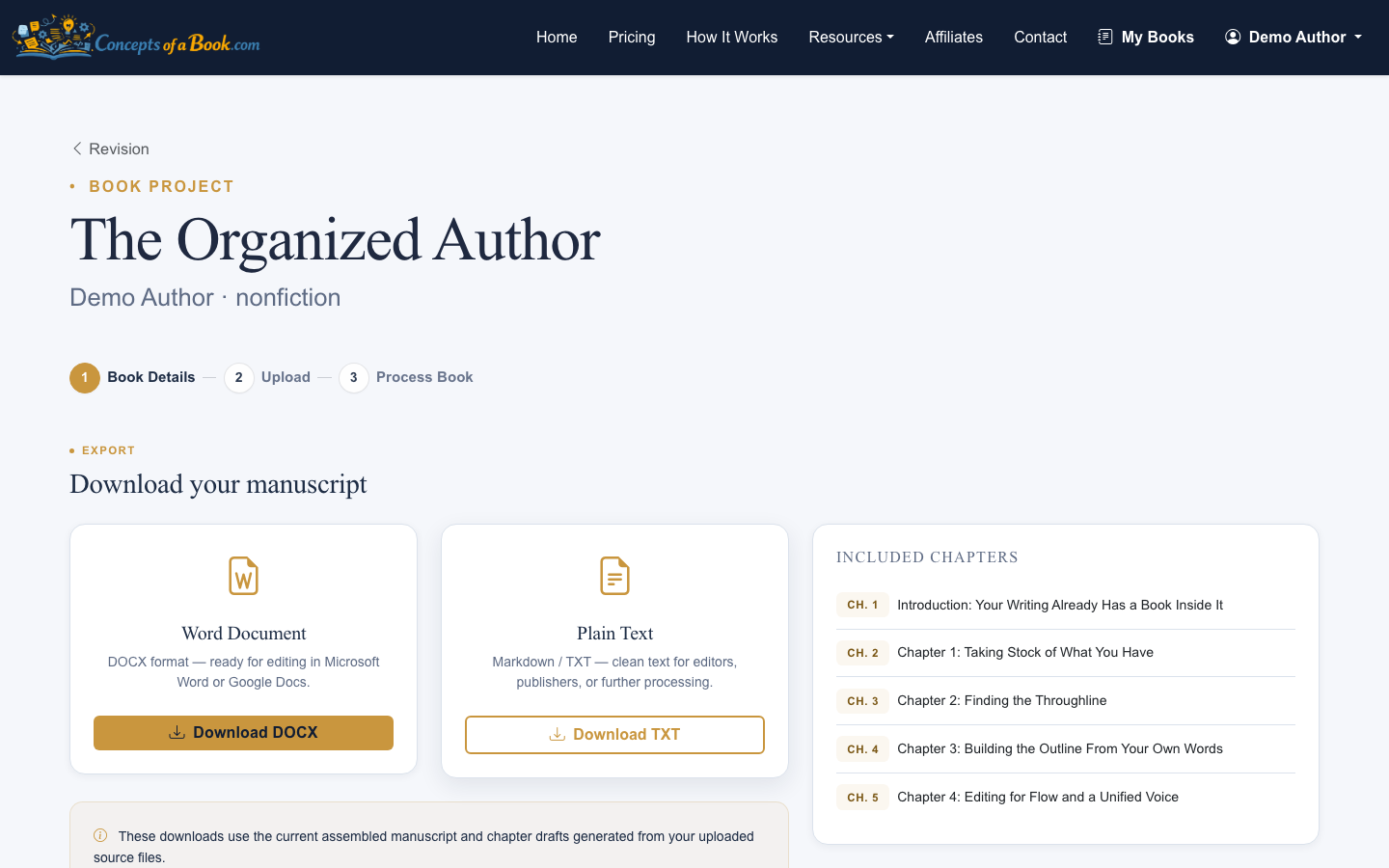
At this stage, do one full read focused only on structure. Avoid polishing sentences too early. Mark chapters that feel out of order, sections that repeat, and places where the reader needs a clearer transition.
8. Use Revision Snapshots Instead of Overwriting Progress
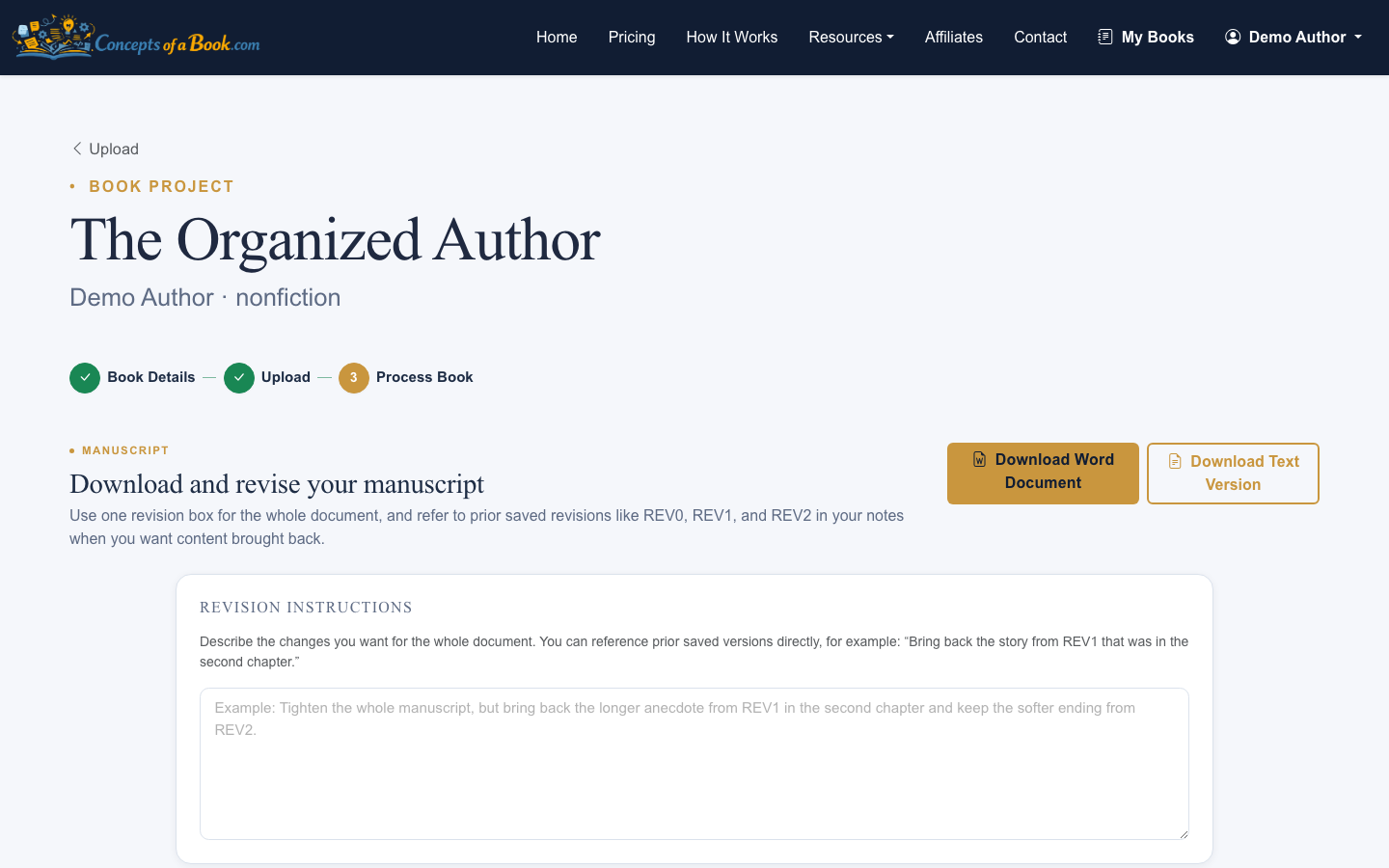
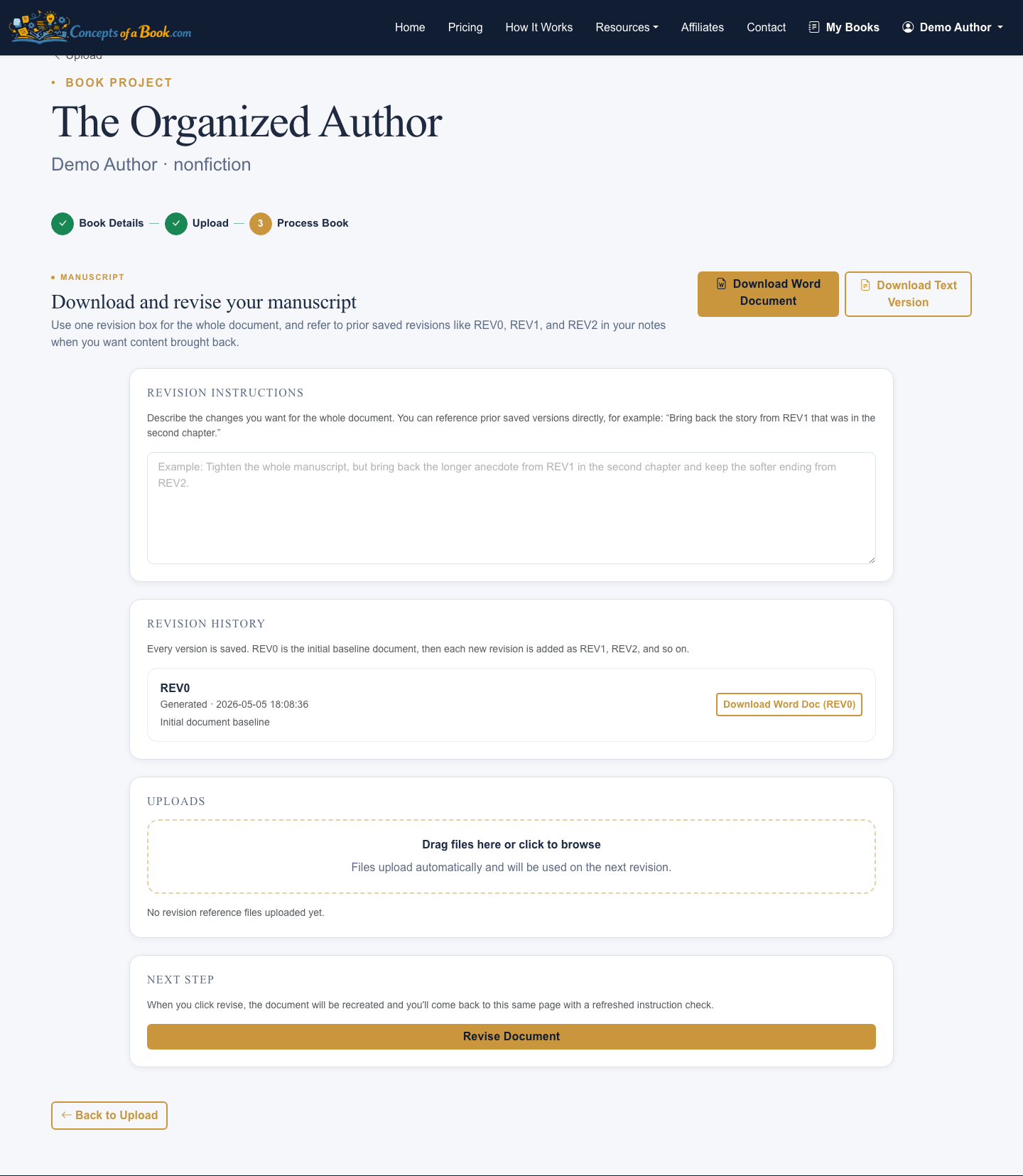
Concepts of a Book creates numbered REV snapshots that can be downloaded at any time. Use those versions deliberately. For example, keep one version after the first outline, another after chapter reordering, and another after revision notes.
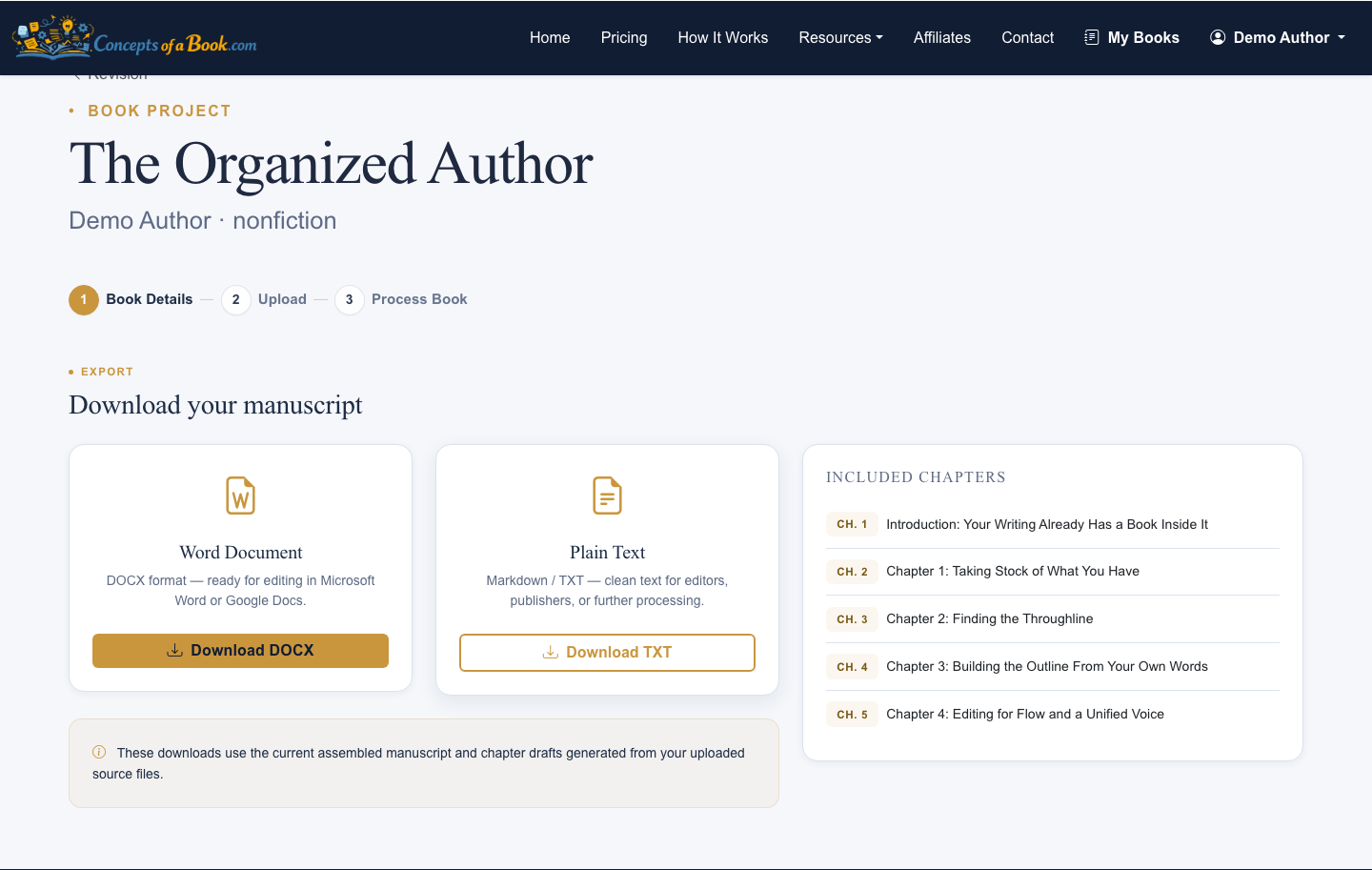
This gives you a clean way to compare structure changes. It also prevents the common problem of revising so heavily that you lose the clearer version you had two rounds earlier.
A Simple Structure Checklist
Before you treat the outline as finished, check these points:
- The book has a clear reader promise
- Every chapter supports that promise
- Chapter order creates progression, not just variety
- Repeated themes are consolidated or intentionally developed
- Missing bridges are supplied from real author material
- The exported manuscript reads like one book, not a folder of documents
A good outline does not remove the author’s voice. It gives that voice a path.
Use AI carefully after the outline is organized
A clean structure also makes AI assistance more useful because the tool has clearer boundaries. If you want help drafting or assembling sections, read how to use AI to help write a book faster.
If your writing includes memoir notes, journal entries, or personal memories, see how to turn memoir notes into a published book structure — a practical guide to organising scattered memories into a coherent manuscript.
